AppManagEvent 2026 will have a welcome & kick-off and 1 closing keynote for all attendees.
After 9.15am, there will be 5 break-outrooms with 45-minute sessions on various topics which attendees can pre-select to attend in their event app.
After the closing keynote, you could be one of the lucky winners of our Event Lottery.

08.00 - 08.45 - Registration
Coffee/drinks/sweets - networking with exhibition partners
08.45 - 09.05 Welcome & kick off
Timeslot
08.45 - 09.05
Join us for the welcome words, logistics and kickoff.
Welcome at AppManagEvent 2026
Welcome, logistics of the day and kickoff AppManagEvent 2026!
Organizing staff - Coert Bosker
09.05 - 09.15 Find your way to the break-out rooms
Timeslot
9.15 - 10.00
There are 5 break-out sessions to choose from. You can pre-register in your event app to secure your seat.
MSIX - What's changed and what's coming next
Roy MacLachlan
MSIX - What's changed and what's coming next
Join the MSIX Product Manager to learn how MSIX has been evolving with new improvements to performance, reliability, security, and deployment.
Get an early look at what's coming next to the MSIX platform.
Speaker: Roy MacLachlan 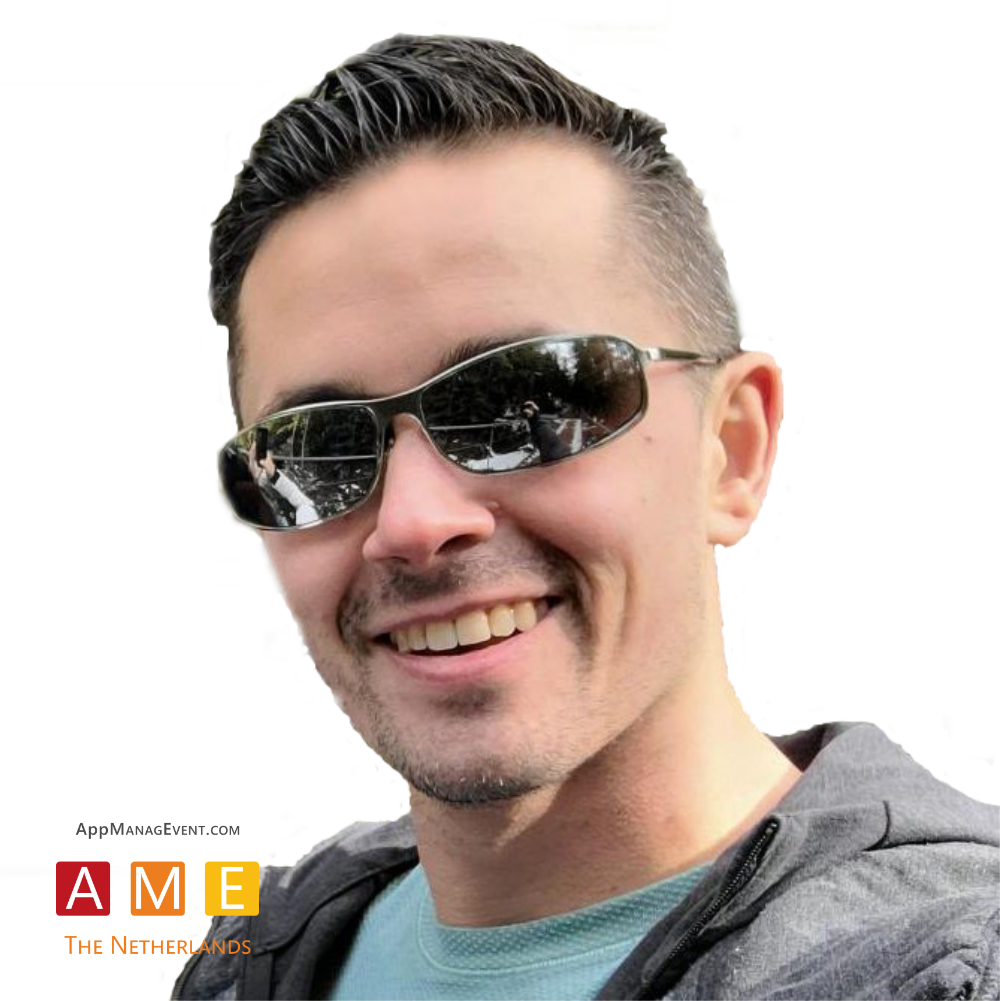
Migration, Evergreen and the End of Repackaging
David Butler-McAllister & Lorrain Plenderleith
- Access IT Automation -
Migration, Evergreen and the End of Repackaging
Vendors are shipping faster than packaging teams can absorb. AI-assisted vulnerability research has pushed CVE volume sharply up, and every patch is a version somebody has to package, test and deploy.
Three responses, in one session. Capture Shift, now on the Azure Marketplace, turns SCCM to Intune migration into a scored and evidenced programme rather than a spreadsheet. Capture Echo tracks the applications and drivers your estate depends on and tells you when one changes.
Then the unveiling: Capsule, seen publicly for the first time, producing one signed master per application and emitting every delivery format from it.
Speaker: David McAllister & Lorrain Plenderleith 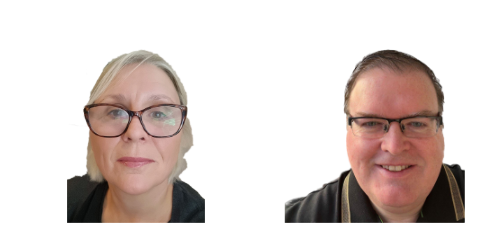
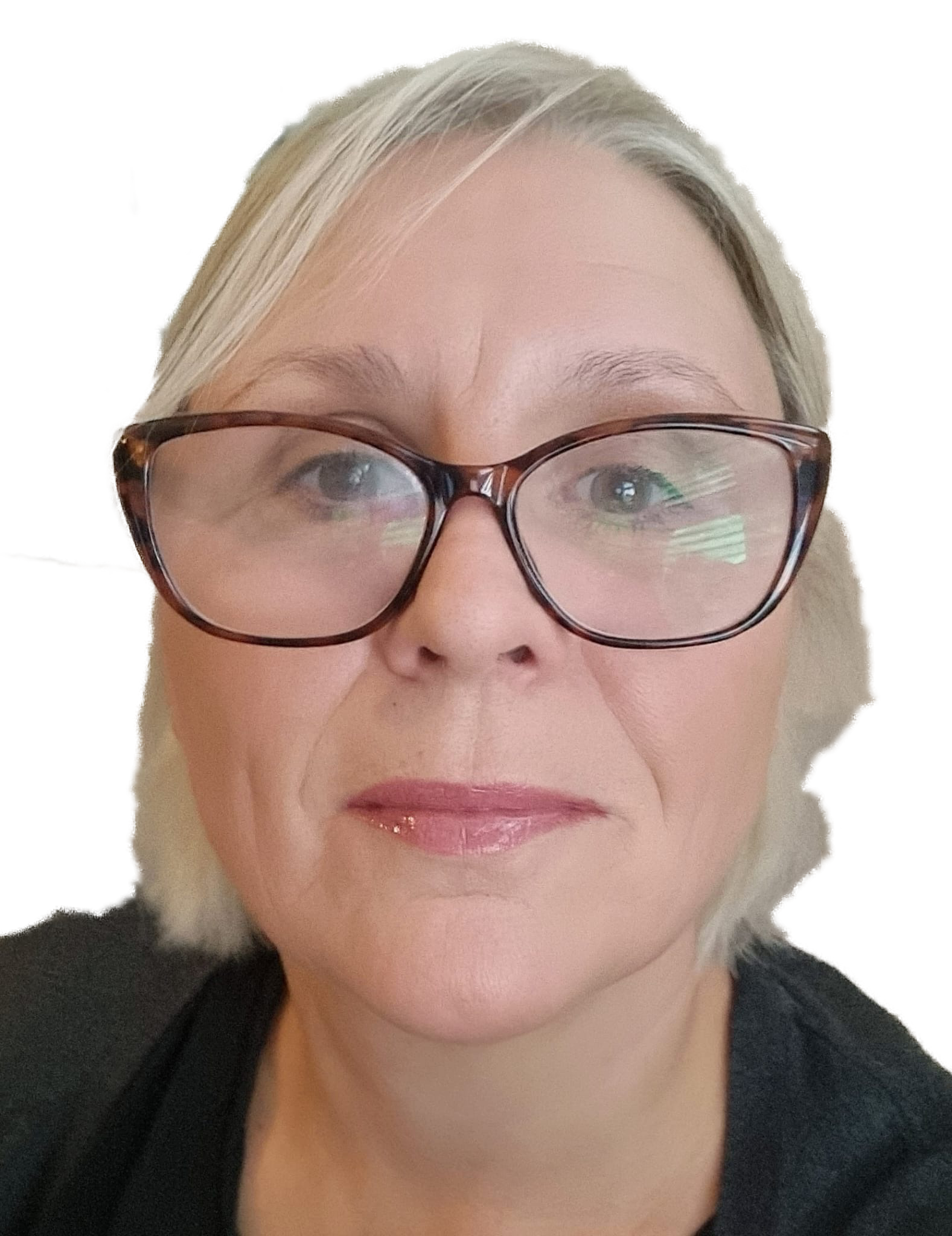 Lorrain Plenderleith
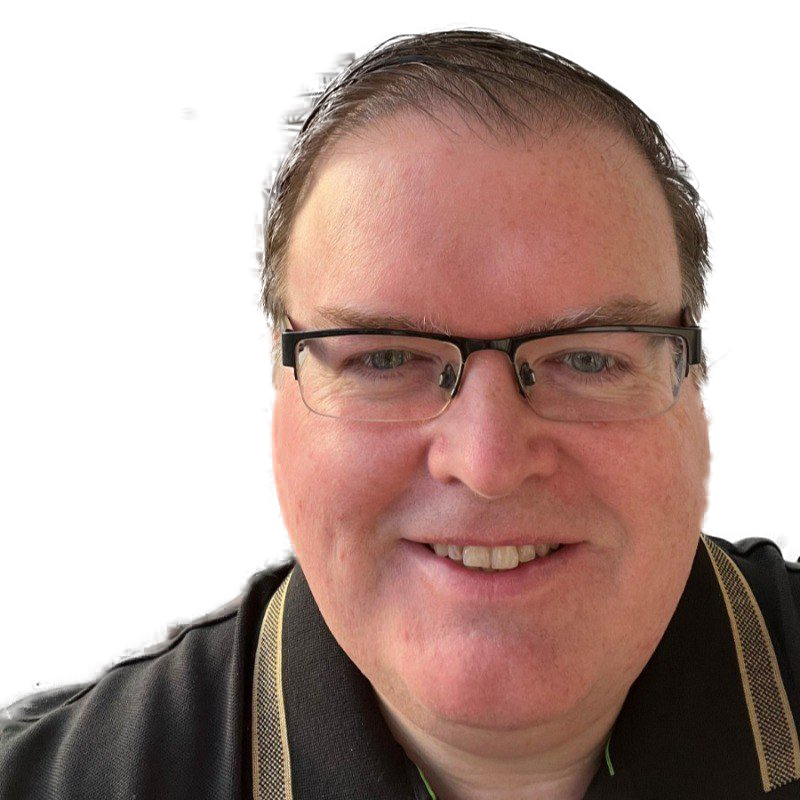 David Butler-McAllister
Stop with Packaging: Zero-Touch macOS Updates
Martin van Diemen
- Appcatalog / Root3 -
Stop with Packaging: Zero-Touch macOS Updates
Do you also spend too much time manually packaging and updating macOS apps? There’s a better way! In this session, you’ll discover how to leave the frustration of endless ‘packaging’ and insecure workstations behind with zero-touch patch management.
We’ll be taking a closer look at App Catalog: the tool that fully automates updates for over 1,600 apps, integrates seamlessly with your MDM and puts user productivity first. Come along, watch the live demo and learn how you can save time whilst boosting security and compliance.
Speaker: Martin van Diemen 
What’s Next After Phishing-Resistant MFA? Securing the Post-Authentication Attack Surface
Kenneth van Surksum & Erik Loef
What’s Next After Phishing-Resistant MFA? Securing the Post-Authentication Attack Surface
Over the past decade, identity security has gone through multiple waves of innovation.
We moved from username and password to multi-factor authentication, and more recently to phishing-resistant MFA to defend against adversary-in-the-middle attacks. What's next after phishing resistant MFA ?
Speakers: Erik Loef & Kenneth van Surksum 
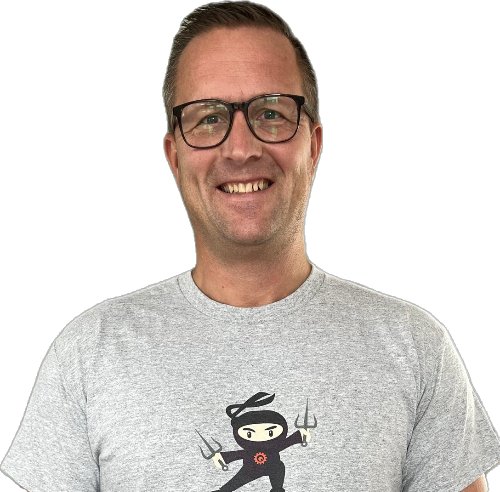 Kenneth van Surksum
Migrating Hybrid Active Directory to Entra ID Cloud Native – A Technical Deep Dive
Andy Malone
Migrating Hybrid Active Directory to Entra ID Cloud Native – A Technical Deep Dive
In this session, Join Microsoft MVP, and Youtuber Andy Malone as we take a journey to migrate an existing Active Directory Hybrid environment to become finally become cloud native. Here we will walk you through a complete step by step guide on what you need to do in order to prepare and move both users, groups and devices into a pure cloud environment. We’ll discuss the possible pitfalls and potential barriers and how to overcome them. The session will include full demos as well as tips and tricks.
So if you’re looking to make the move, then this is a session you’ll not want to miss.
Speaker: Andy Malone 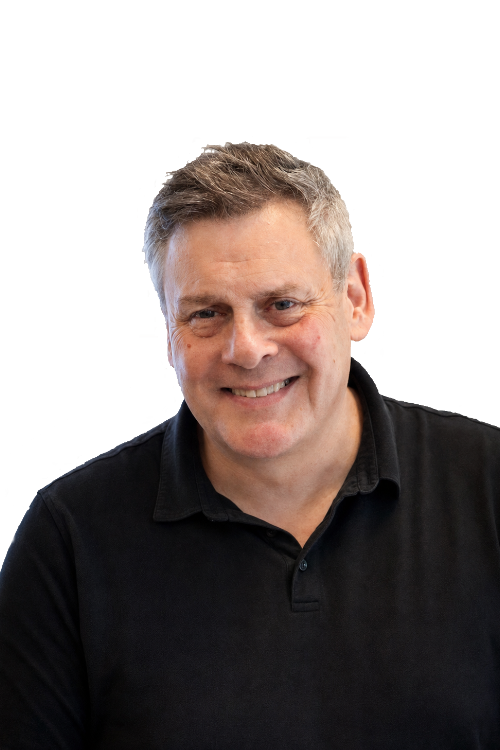
10.00 - 10.15 Break
Timeslot
10.15 - 11.00
There are 5 break-out sessions to choose from. You can pre-register in your event app to secure your seat.
Introducing The Enterprise Application Framework
Tim Mangan
Introducing The Enterprise Application Framework
This year I am introducing a Framework White Paper covering the Application Preparation and Delivery policies and procedures used by the top Enterprise-scale organizations.
This is technology agnostic, and even method agnostic. If you Repackage or Script your way to app nirvana, or even just send someone around with a USB stick to install apps for your users, you will recognize many of the functions and activities covered in the framework.
I'll go over the framework in this session. After that, grab the paper and use it to organize what you do to (re)document and communicate your current practices, and hopefully get inspired by some of the functions you see that makes you say "hmm, we should probably do that". This is not best practices, we don't say words like must or should. Just the stuff we see great organizations doing today.
Speaker: Tim Mangan 
Beyond Patch Catalogs: Quality, Coverage, & Apps That Don’t Fit
Bob Kelly
- Juriba-
Beyond Patch Catalogs: Quality, Coverage, & Apps That Don’t Fit
Patch catalogs and WinGet have become essential tools for application management, but catalog automation is only as reliable as the data behind it. Package counts are easy to advertise; quality is harder. Are the entries current? Are the download links valid? Do the install and uninstall commands still work? Has the application gone stale, dormant, or end-of-life? And what happens when the app was never a catalog candidate in the first place?
In this technical session, Bob Kelly will look beyond catalog coverage to the application intelligence required for reliable automation: validated metadata, dynamic command-line discovery, AI-assisted installer capture, managed VM validation, automated smoke testing, and feedback loops based on real execution results.
Using Juriba examples, live demonstrations, and lessons from real-world packaging operations, we’ll explore where catalogs work well, where they break down, and how automation and packaging expertise come together for gated, niche, legacy, and in-house applications that don’t fit neatly into any catalog.
Speaker: Bob Kelly 
The Open Package Manifest
Bogdan Mitrache
- Advanced Installer -
The Open Package Manifest
The ".packit" package manifest is a free, MIT-licensed, format accompanied by a free PowerShell module designed to liberate your packages from the platform lock-in many vendors try to push today.
Learn how to standardize your package metadata, keep deployment details version-controlled, and make packages easier to automate across Intune, Configuration Manager, PowerShell, CI/CD, and internal app repositories.
Got in-house developers or or custom packaging tools/scripts? The free PacKit PowerShell module will enable you to standardize the packages you build and save precious time when handing out packages between different teams.
Speaker: Bogdan Mitrache 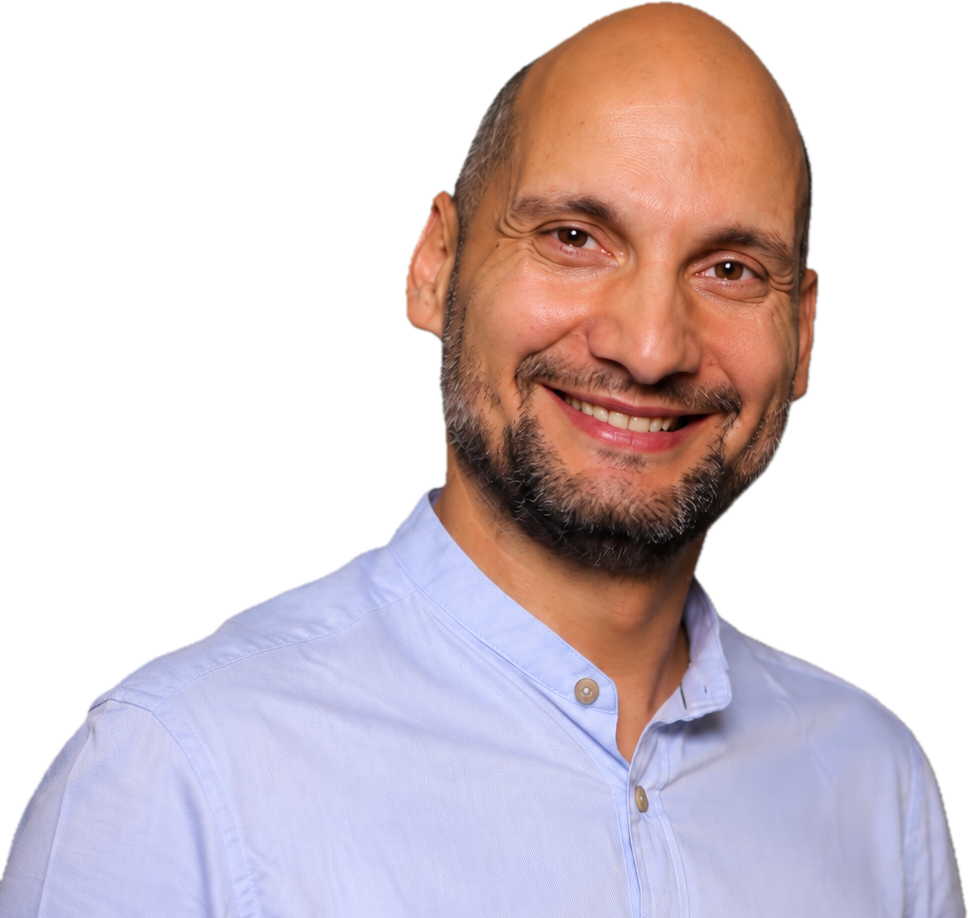
Shadow AI on the Endpoint: Why Your EPM Controls Haven't Caught Up Yet
Joe Ranson
- BeyondTrust -
Shadow AI on the Endpoint: Why Your Controls Haven't Caught Up Yet
AI tool adoption on managed endpoints is outpacing the governance models built to control it. Most organisations have more AI running than IT knows about - and every AI agent that lands on a managed endpoint silently inherits the full permissions of the signed-in user. Without process lineage, what they touch, launch, or modify becomes nearly impossible to track, let alone audit.
This session cuts through the AI hype to focus on a specific, immediate risk: ungoverned AI on the endpoint. We'll explore why traditional privilege models weren't built for agentic behaviour, what a defensible control framework looks like in practice, and how just-in-time privilege management lets you lock down what users and AI agents can install or run, without creating friction or management overhead for your teams.
Speaker: Joe Ranson 
Microsoft is stopping SMS/Phone MFA in Entra ID. What now?
Raymond Comvalius
Microsoft is stopping SMS/Phone MFA in Entra ID. What now?
For years, SMS and voice calls have been the most commonly deployed forms of multi-factor authentication. However, Microsoft's decision to stop funding these authentication methods forces organizations to re-evaluate their authentication strategy.
In this session, Raymond Comvalius explains what the announcement means for Microsoft Entra tenants, the available options for continuing SMS and voice-based authentication, and the operational, security, and financial implications involved.
The session goes beyond the theory of passwordless authentication and focuses on real-world implementation challenges. Learn how Passkeys, Windows Hello for Business, FIDO2 security keys, Temporary Access Pass, Self-Service Password Reset, and hybrid identity environments fit together in a practical migration strategy.
Attendees will leave with a roadmap for moving from legacy MFA methods to phishing-resistant authentication while avoiding common deployment pitfalls and ensuring a smooth user adoption journey.
Speaker: Raymond Comvalius 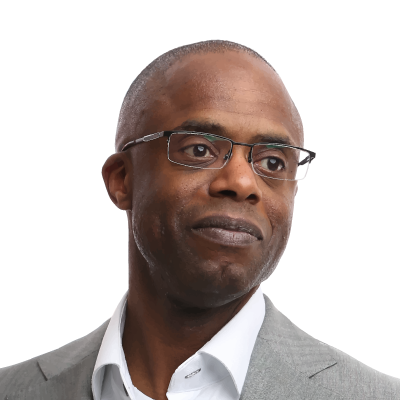
11.00 - 11.15 Break
Timeslot
11.15 - 12.00
There are 5 break-out sessions to choose from. You can pre-register in your event app to secure your seat.
State of the Union - Cybersecurity in 2026
Sami Laiho
State of the Union - Cybersecurity in 2026
Let's take a look at how the cybersecurity landscape changed this year. How did Mythos/MDASH etc. change the way we need to protect our environments. What can we learn from 2026 to prep for 2027.
Speaker: Sami Laiho 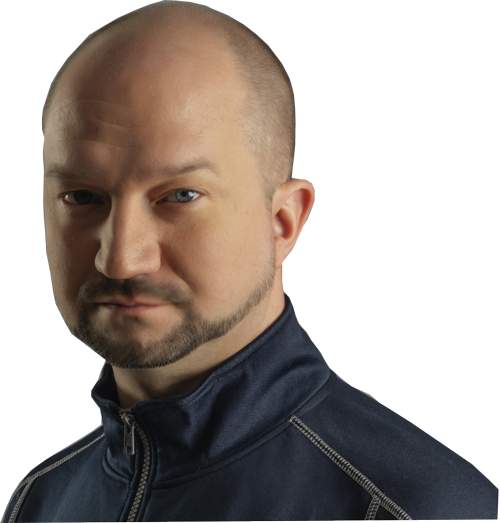
Edge Management Service - the modern way to manage Edge
Jörgen Nilsson & Ronni Pedersen
Edge Management Service - the modern way to manage Edge
With more and more applications being web based, the most important application we have on our modern devices Microsoft Edge and browsers.
Traditionally we have managed them using Group Policy and/or Intune.
But with the introduction of the Edge management service in Microsoft Edge (and Google Chrome) we now have a modern way! Let users request their Extensions, manage extensions and settings in a modern way!
During this demo heavy session we will go through how to configure, secure and enforce a browser Edge, and more important what not to do!
Speakers: Jörgen Nilsson & Ronni Pedersen 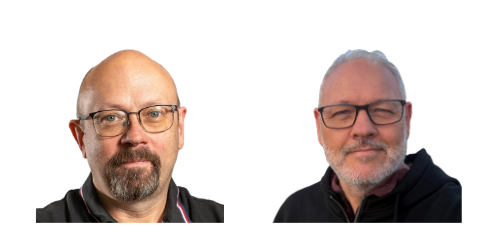
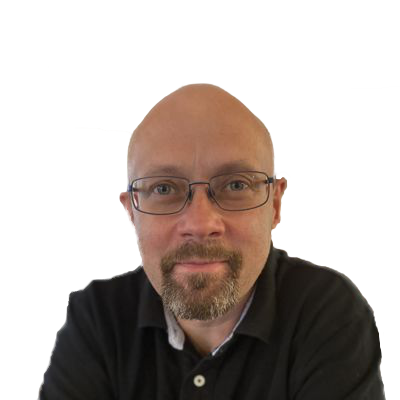 Jörgen Nilsson
Beyond Intune: Workspace & App Control with AppVentiX
Ingmar Verheij
- AppVentiX -
Beyond Intune: Workspace & App Control with AppVentiX
Intune is a great foundation for modern endpoint management, but managing the user workspace and controlling what applications can run requires more.
In this technical session, we’ll show how AppVentiX adds Workspace Control and App Control across modern, Intune-managed Windows endpoints, traditional on-premises environments, and everything in between. And while everyone is talking about AI, we’ll introduce our own interpretation: AppVentiX Inside.
We’ll revisit what we showed last year, demonstrate how your feedback shaped the product, and dive into the latest capabilities with real-world examples and live demos.
Expect less slides, more tech, and a practical look at consistent workspace management and application control across your hybrid Windows estate.
Speaker: Ingmar Verheij 
What's Next for Third-Party Patching?
Dan Gough & Michiel Overweel
- Patch My PC -
What's Next for Third-Party Patching?
Good enough has never been good enough, and the numbers prove it: the median time to remediate a known exploited vulnerability sits at 43 days, while attackers are moving in roughly 15 — that gap is the Dead Zone, and it's where most breaches happen.
Meanwhile, as AI changes the texture of what it means to be exposed, zero days are also accelerating. Recent data shows hackers are already exploiting CVEs a full week before the good guys find out about them.
In this session, you’ll see the next generation of CVE Insights, letting you track vulnerabilities from exposure to closure right from your phone, plus our redesigned Portal homepage and a new way to Kickstart your catalog with WinGet — for those rare times we don't have a curated version of an app yet.
We’ll also take a look at what’s new in PSAppDeployToolkit (PSADT) 4.2.0, including a visual demo of new UI options designed to give admins even more flexibility and control over the deployment experience, from securely hiding text input to new selection capabilities.
Whether you've been with Patch My PC for years or are seeing the platform for the first time, you'll leave with a better understanding of where third-party patch management is headed and why automation is about more than just deploying updates. Expect UX demonstrations, roadmap insights, the latest from PSADT, and a few exciting announcements you won't want to miss.
Speakers: Dan Gough & Michiel Overweel 

From Clicks to Agents: How AI Is Rewriting Windows Apps
Christiaan Brinkhoff
From Clicks to Agents: How AI Is Rewriting Windows Apps
This is the big one — our state of the union on where Windows app delivery is headed. We've already lived through one seismic shift: the great migration away from Citrix and on-prem hypervisors to Windows Cloud, with AVD and Windows 365 leading the charge. Now we're standing at the edge of the next one — Agents and Computer Using Agents that click, navigate, and operate apps the way humans do, forcing a complete rethink of how app management works.
In this key session, we'll set the stage for everything happening in the DaaS space this year: what's changed, what's coming, and what it means for IT admins and MSPs navigating this new agentic era. We'll also be unveiling the 2026 "DaaS Like a Pro" survey results fresh from the community.
Speaker: Christiaan Brinkhoff 
12.00 - 13.00 Lunch - Break
Timeslot
13.00 - 13.45
There are 5 break-out sessions to choose from. You can pre-register in your event app to secure your seat.
From Breach to Business: A Recovery Playbook
Mikael Nyström
From Breach to Business: A Recovery Playbook
When a cyber attack strikes, nobody gets handed a neat checklist and unlimited time. Things break, people panic, and priorities change by the minute.
Join Mikael Nyström for a fast-paced session packed with war stories, practical demos, and real-world lessons from ransomware outbreaks, identity compromises, and other cyber headaches.
You'll learn how to take back control, recover critical systems, and steer the business toward a comeback, even when the situation is anything but textbook.
Speaker: Mikael Nyström 
Stop Shipping apps. Start Shipping outcomes
Jim Moyle
Stop Shipping apps. Start Shipping outcomes
What does an agentic workflow actually look like once it moves beyond a chatbot?
In this session, we will follow a practical workflow from intent and reasoning through to action: breaking work into steps, choosing tools, handling approvals, recovering from failure, and recording the outcome.
We will then look at how Windows 365 for Agents provides a secure, governed Cloud PC where agents can interact with desktop applications, websites, and legacy systems.
You will leave with a clear view of the architecture, control points, and practical patterns needed to move agentic workflows from experiments into real enterprise operations.
Speaker: Jim Moyle 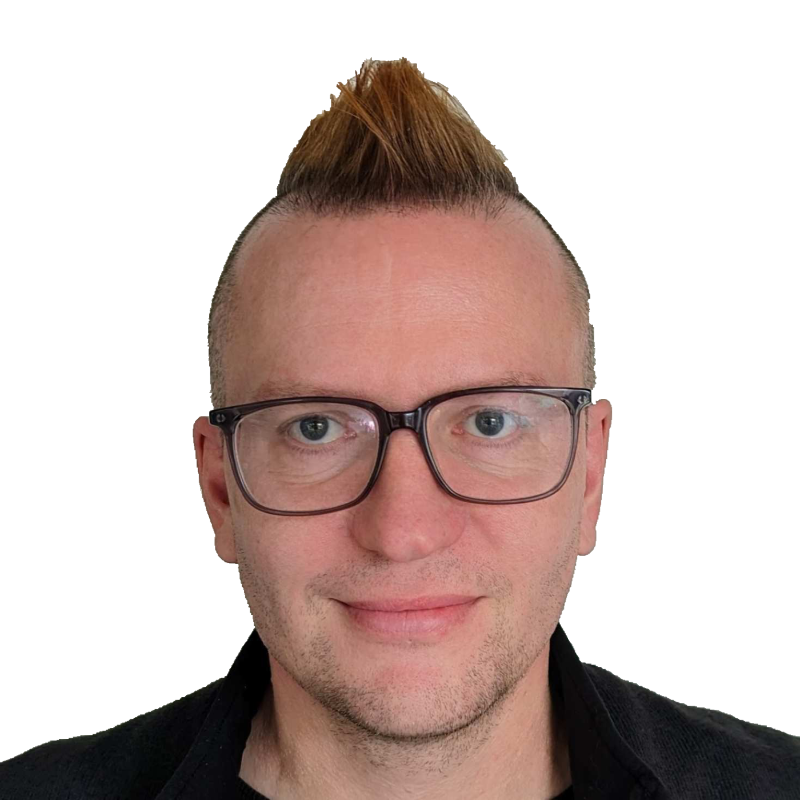
Packaging is only the beginning
Berry Haveman
- Liquidware -
Packaging is only the beginning
Packaging gets your app ready to deploy it onto the device. However, this is just one step in your application management practice. Join Berry as he takes you on a fast-paced journey through the complete app management lifecycle. From discovering application usage to delivering apps seamlessly, managing them efficiently, and resolving issues, this session shows how to keep your application estate under control from start to finish.
In the session, Berry discusses four operational questions every IT team eventually has to answer:
- Discover — what do we actually have, who's using it, and where is the friction?
- Deliver — how do we ship it without tying it to one image or platform?
- Control — who gets access, under what conditions, and with what rights?
- Fix — when it breaks, right now, how do we see it and resolve it?
Packaging gets an app ready. Discover, Deliver, Control and Fix are what make it actually work — before, during, and long after go-live.
Speaker: Berry Haveman 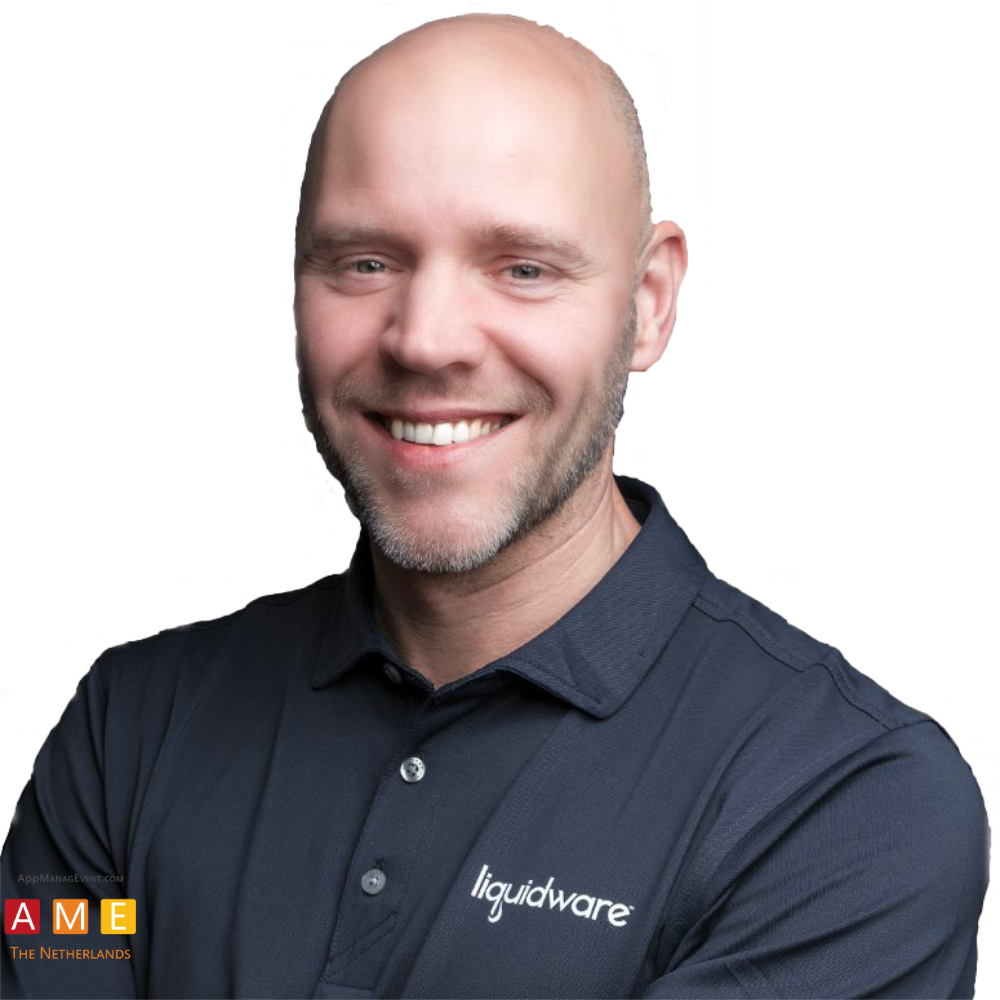
Is Automatic App Packaging Possible?
Toms Knostenbergs
- Master Packager -
Is Automatic App Packaging Possible?
We thought it wasn't. But we changed our mind.
In this session:
Why is automated packaging needed more than ever?
Is trusted automatic packaging for any custom app possible?
What are we doing differently?
Join us to learn more.
Speaker: Toms Knostenbergs 
Windows Application allow listing – Notes from the field
Kim Oppalfens & Tom DeGreef
Windows Application allow listing – Notes from the field
Application allow listing is still largely considered the single security measure any organization can take to combat a large family of malware in general and ransomware specifically on the Windows platform. It’s often considered to be hard to implement as well. Tom & Kim have invested a ton of time in investigating this technology and popularizing it through trainings, conference sessions, YouTube videos and Tweets. In this session they’ll share their notes to kickstart your application allowlisting endeavors.
Speakers: Kim Oppalfens & Tom DeGreef 
 Kim Oppalfens
13.45 - 14.00 Break
Timeslot
14.00 - 14.45
There are 5 break-out sessions to choose from. You can pre-register in your event app to secure your seat.
World Threat Adventures: Where Hackers Hide and Investigators Hunt
Paula Januszkiewicz
World Threat Adventures: Where Hackers Hide and Investigators Hunt
Persistence is one of the most powerful weapons in an attacker's arsenal. Even after malware is removed or compromised accounts are reset, adversaries often maintain access through hidden persistence mechanisms that allow them to return when defenders least expect it.
In this practical and investigative session, Paula Januszkiewicz shares real-world incident response experience to reveal how attackers establish and maintain persistence across endpoints, Active Directory, and cloud environments. Through live demonstrations and forensic techniques, attendees will learn how threat actors abuse legitimate features, exploit monitoring blind spots, and leverage misconfigurations to secure long-term access.
The session will also explore advanced investigative methods, including the analysis of Automatic Destinations and the USN Journal, providing defenders with greater visibility into attacker activity and helping reconstruct the full timeline of a compromise.
Key takeaways:
- Understand the most common persistence techniques used by modern attackers.
- Learn how adversaries maintain access across endpoints, Active Directory, and cloud environments.
- Discover how legitimate system features can be abused to evade detection.
- Gain practical insights into forensic artifacts such as Automatic Destinations and the USN Journal.
- Improve incident response capabilities by learning how to uncover and investigate attacker activity.
Speaker: Paula Januszkiewicz 
From Package to Production: Rethinking Windows Application & OS Deployment
Mike Davies
- OneDeploy -
From Package to Production: Rethinking Windows Application & OS Deployment
Application packaging is only part of the challenge. The real goal is delivering a complete, usable Windows endpoint — with the right OS, drivers, applications, configuration and automation.
In this session, we’ll explore a modern approach to Windows deployment where these elements are managed as independent, reusable components and dynamically assembled at deployment time rather than baked into traditional images.
We’ll look at how this model can simplify application delivery, reduce image maintenance, support different hardware and architectures, and create a more flexible deployment pipeline from bare metal through to a fully configured endpoint — with a live technical demonstration along the way.
Speaker: Mike Davies 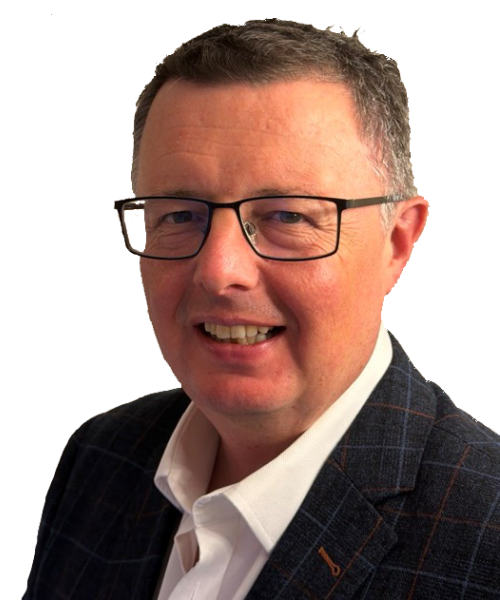
App-Centric Resilience and Securing Updates with Containers
Rory Monaghan
- Numecent -
App-Centric Resilience and Securing Updates with Containers
Speed and precision are required to securely address the volume and velocity of application updates for today’s enterprises. Traditionally, IT teams have had to choose between one or the other. Containerizing applications changes that.
Containerizing apps enables you to rapidly provision updates to any physical or virtual Windows desktop, including those in active user sessions, as well as roll back or remove them in near real time. With application isolation, end-to-end encryption, and per-user virtualization, you can secure apps throughout their lifecycle.
In short, containerizing apps securely accelerates deployments speeds more than 20x while drastically reducing the risk of each update.
Speaker: Rory Monaghan 
Ten(-ish) learnings from ten years of Windows Autopilot
Michael Niehaus
Ten(-ish) learnings from ten years of Windows Autopilot
Windows Autopilot was first announced in 2017, but work had been going on since 2016, so I consider it to now be 10 years old.
We've all learned a lot about it in the time since the it was originally introduced. In this session, we'll look at some of those "learnings" (as Microsoft is fond of this plural noun), best practices that have been developed as a result, and the still-present challenges that we all face when using it.
Speaker: Michael Niehaus 
Intune Tips and Tricks 2026 edition
Peter Daalmans & Tim De Keukelaere
Intune Tips and Tricks 2026 edition
Staying on top of Intune can feel like a wild ride, but we've got your back! In this dynamic, revamped session, Peter and Tim are ready to supercharge your experience with their favorite Intune tips and tricks specifically for administrators.
Get ready to catch up on the hottest new features and discover easy ways to work smarter, not harder. Unlock the power of automation for everyday tasks and boost your productivity with innovative community tools. There’s so much to explore, you won’t want to miss it !
Speakers: Peter Daalmans & Tim De Keukelaere 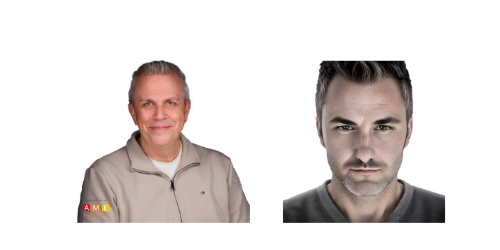
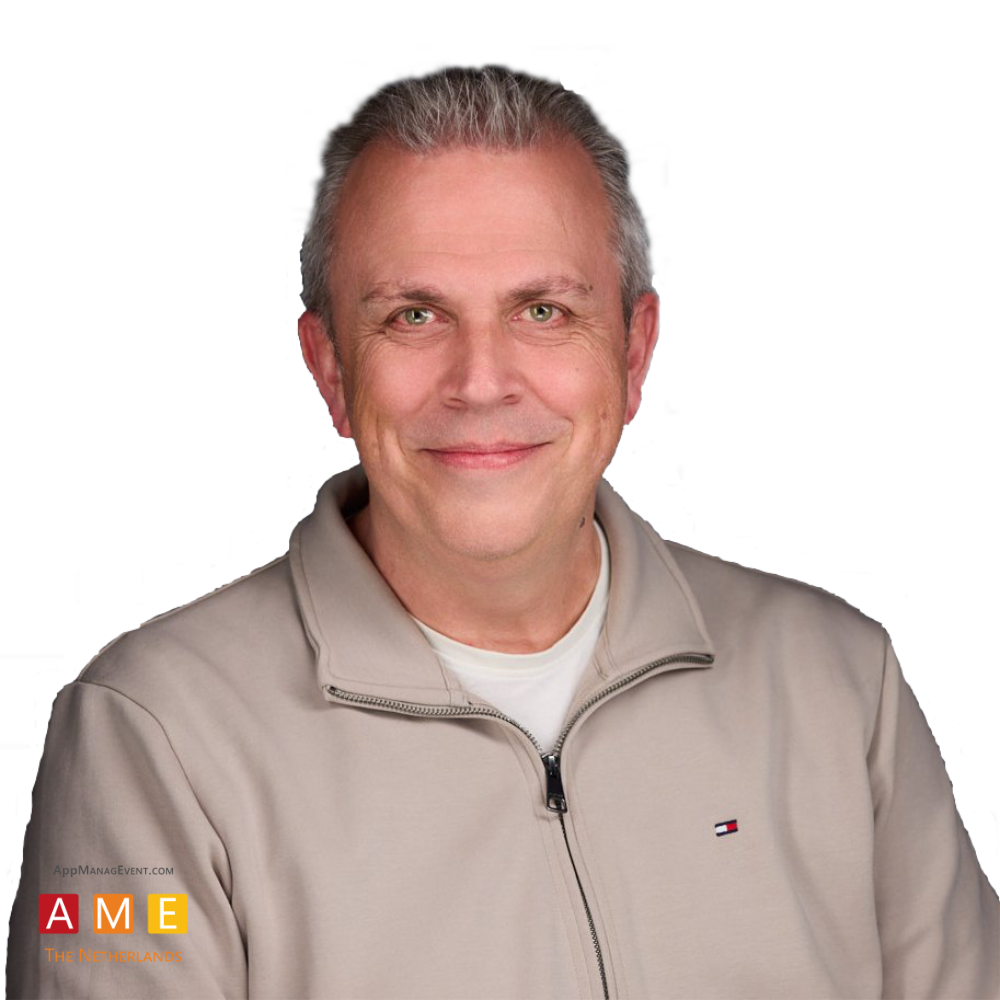 Peter Daalmans
14.45 - 15.00 Break
Timeslot
15.00 - 15.45
There are 5 break-out sessions to choose from. You can pre-register in your event app to secure your seat.
Package Once. Deliver Anywhere. Rethinking the Windows Application Lifecycle
Pim van de Vis & Pim van den Hogen
- Omnissa/ITQ -
Package Once. Deliver Anywhere. Rethinking the Windows Application Lifecycle
Windows application management has traditionally been built around the endpoint: package an application, deploy it to a device or image, update it, and repeat the process as environments change. But today’s application estate spans physical Windows devices, virtual desktops, published applications, and cloud-hosted desktops, and the old deployment-centric model is becoming increasingly difficult to sustain.
In this session, Omnissa and ITQ explore a different approach: treating the application as a managed lifecycle independent of the endpoint. We’ll follow an application from packaging and validation through approval, staging, delivery, update, and rollback, and examine how the same application can move across physical and virtual Windows environments without rebuilding the process for each platform.
We’ll combine product strategy with practical field experience to show where this model works today, where traditional packaging and endpoint-management tools still fit, and what application management could look like as packaging, automation, and AI continue to evolve.
Speakers: Pim van de Vis & Pim van den Hogen 
 Pim van de Vis
It's not you; it's apps (and baselines, and backups, and...)
Joery Van den Bosch & Nicklas Olsen
- Robopack -
It's not you; it's apps (and baselines, and backups, and...)
We get it... Intune is the tool you must use to manage your devices and deploy your apps. Entra is the tool you must use to secure your users and enterprises. So... how do we solve all the problems with Intune and Entra? In this session, we have the pleasure to walk you through the biggest problems in both Intune and Entra, and present actual solutions you can implement today.
Speakers: Joery Van den Bosch & Nicklas Olsen 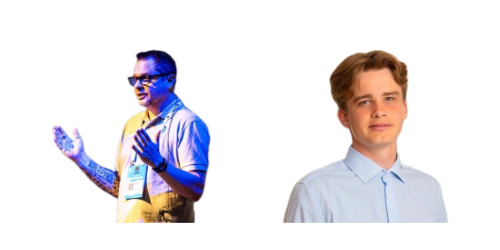
 Joery Van den Bosch
De-Setting the App Settings Feature in Application Workspace
Donny van der Linde & Randy Roubos
- Recast Software -
De-Setting the App Settings Feature in Application Workspace
Application settings are one of the most overlooked sources of complexity in modern workspace management. So why did we build a solution specifically to address this challenge?
And how does it work behind the scenes? From the caching architecture, monitoring approach, and implementation model to the mechanisms used to capture, store, and manage application settings, what does it take to deliver application settings at scale?
Join us for a behind-the-scenes look at the technology and design decisions that power Application Workspace App Settings, and discover how organizations can deliver a more consistent user experience with less operational overhead.
Speakers: Donny van der Linde & Randy Roubos 
 Donny van der Linde
From Admin to Standard user with Intune EPM: notes from the field
Thomas Verheyden
From Admin to Standard user with Intune EPM: notes from the field
In this session, I will share what I learned the hard way deploying and configuring Intune EPM in real environments. You will get honest, practical insights from someone who has been through the process what works, what does not, and what the documentation does not always tell you.
We will cover implementation tips and tricks to help you avoid common pitfalls, understand how EPM policies behave in practice, and get your users from admin to standard without them noticing too much. I will also introduce a tool I built specifically to simplify the EPM configuration process, because sometimes the native experience needs a little help.
Whether you are just starting to look at EPM or already struggling with your deployment, this session will give you something useful to bring back to your environment.
Speaker: Thomas Verheyden 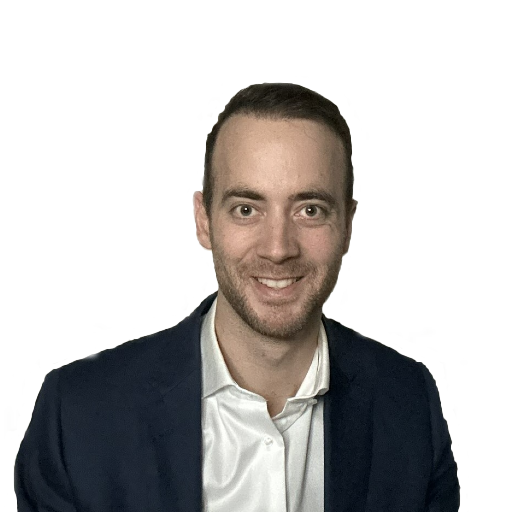
Good Policy Design is Hard. Enforcement is harder
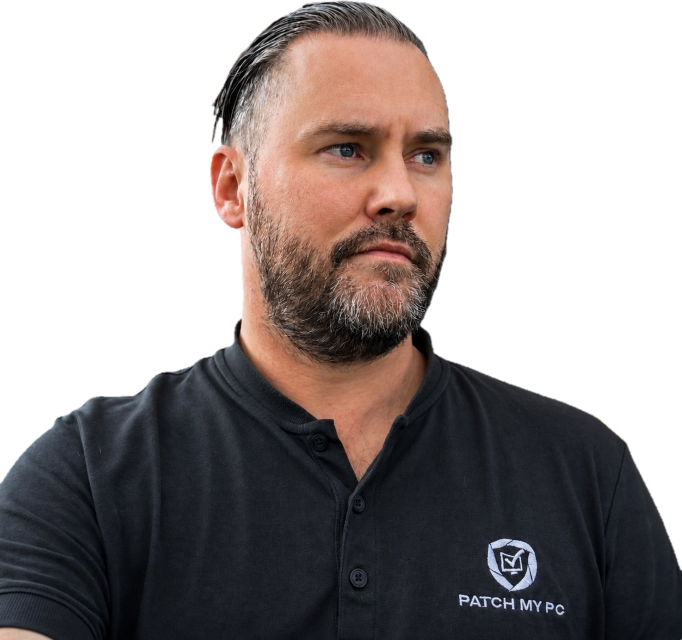
Rudy Ooms & Joost Gelijsteen
Good Policy Design is Hard. Enforcement is harder
Designing Intune Policies is only the beginning. What really matters is what Windows does with them
- From the Intune Portal to CSP execution.
- From Baseline Assignment to applying the registry values.
- From deployment ring change to update orchestration behavior
Speakers: Rudy Ooms & Joost Gelijsteen 
 Rudy Ooms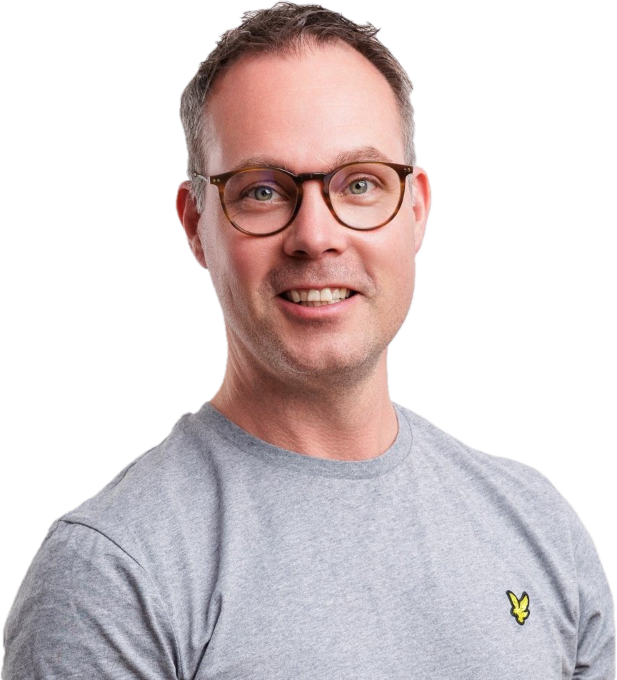
15.45 - 16.00 Break
Timeslot
16.00 - 17.00
Join us for the closing keynote, final thoughts and lottery.
Closing keynote -Everything you want to know about Cybersecurity but were afraid to ask- Paula Januszkiewicz & Sami Laiho
Everything you want to know about Cybersecurity but were afraid to ask
Cybersecurity is no longer just an IT issue. It affects organizations, employees, customers, and individuals every day. Yet many of the most important questions about security remain misunderstood, oversimplified, or never asked at all.
In this engaging and practical keynote, we will explore how modern attackers think, how real-world breaches unfold, and why common assumptions about cybersecurity are often wrong. Through real attack stories, surprising examples, live-demo concepts, and insights from today's threat landscape, participants will gain a clear understanding of ransomware, phishing, identity attacks, cloud security, AI-driven threats, and the human factor behind most successful compromises.
The session combines technical depth with business relevance, making complex cybersecurity topics accessible to IT professionals, security practitioners, managers, students, and technology enthusiasts alike. Attendees will leave with practical strategies that actually improve security, a better understanding of emerging risks, and a fresh perspective on what it takes to defend organizations in an increasingly connected world.
Speakers: Paula Januszkiewicz & Sami Laiho 
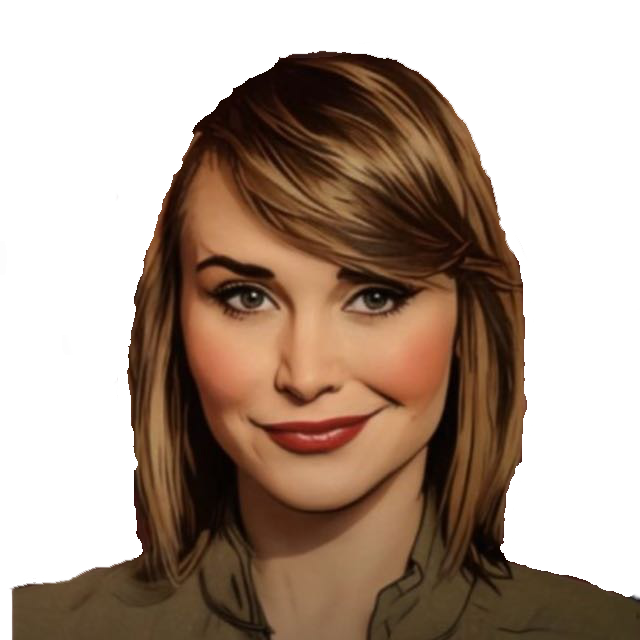 Paula Januszkiewicz
After the closing keynote we will execute the Event lottery..
Enjoy the final thoughts and get ready to win
before we close the day at the bar with drinks & snacks.
17.10 - 18.30 - Traditional Dutch "borrel"
Drinks/snacks/music - winding down and getting ready for the weekend
Some sessions are recorded and will be published later on our youtube channel.
Sign up to our newsletter, follow us on linkedin or Twitter/X to receive updates on the event.
If you wish to become a partner or a speaker for the event in 2027, please contact us by mail: